Physiology and AI DIAGNOSTICS Analysis Import
Physiological inputs are the heart of the simulation: they govern how much energy your body draws from fat versus carbohydrates at a given intensity, where your sustainable power lies, and how much work you can perform above threshold. You can enter these values manually – or, far more precisely, import them from an AI DIAGNOSTICS performance analysis.
Physiology Sidebar Settings
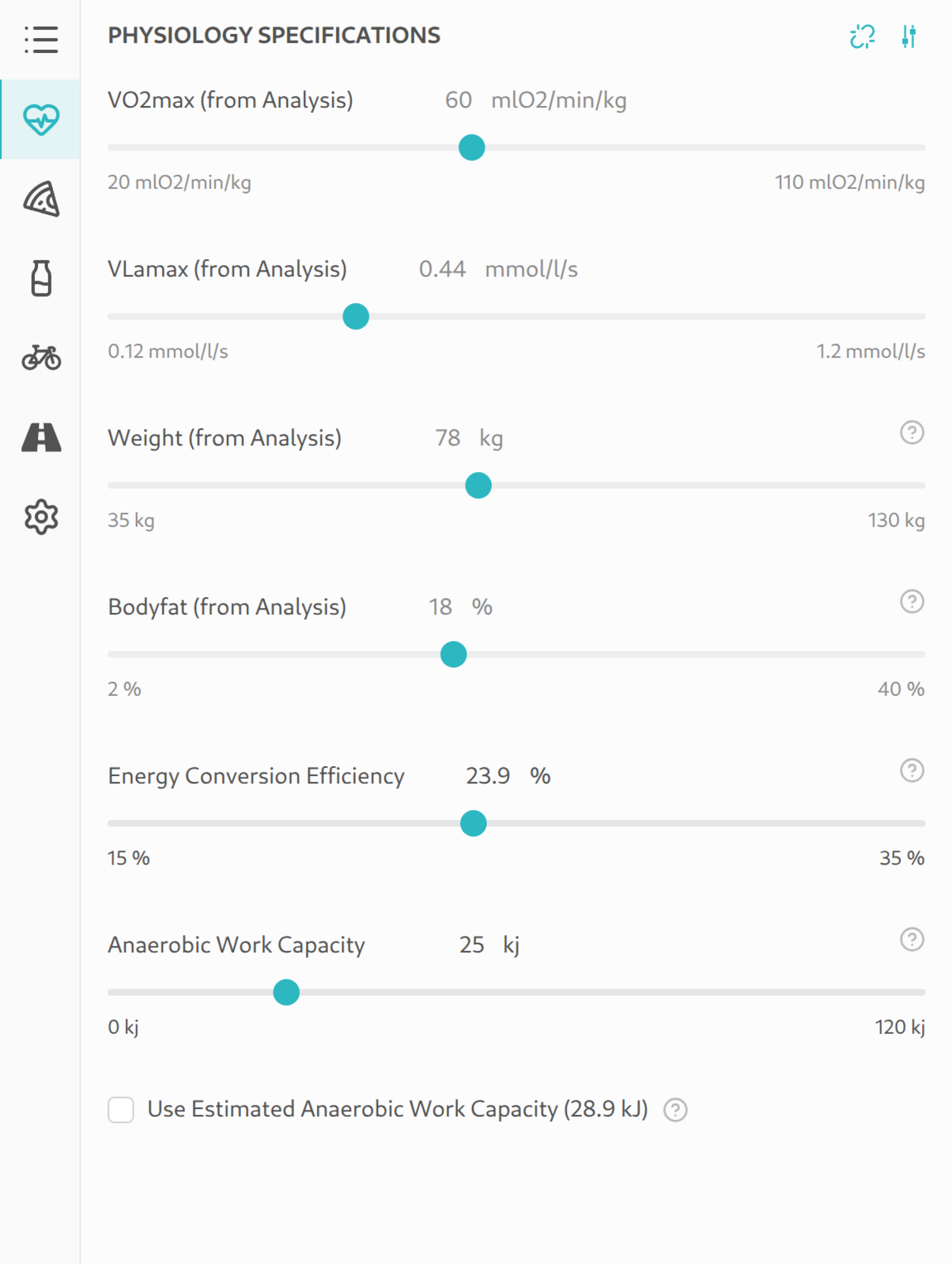
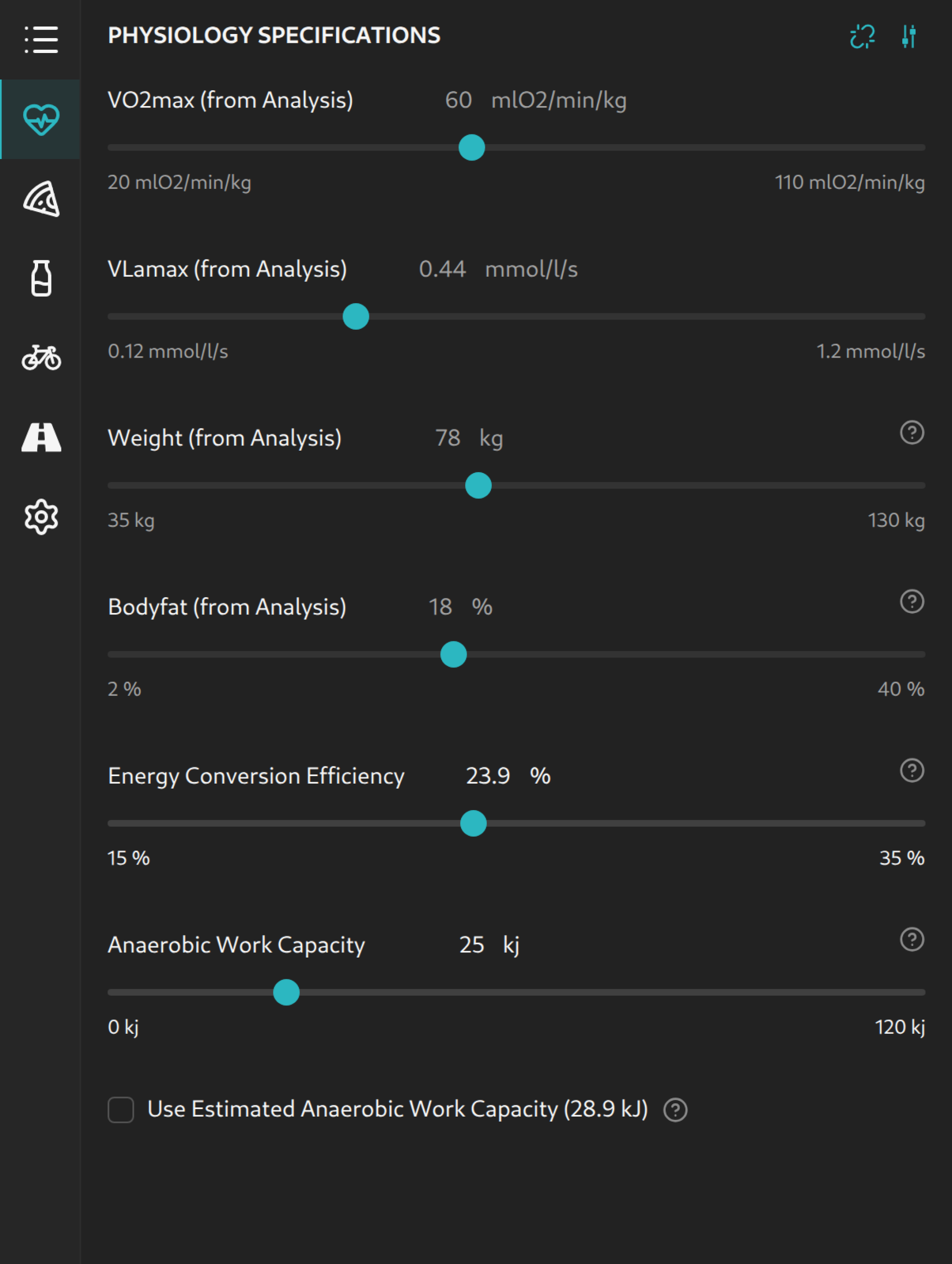
The Physiology sidebar tab is where the values that drive every metabolic calculation in the simulator are maintained:
- VO2max (ml/min/kg) – Maximum oxygen uptake; sets aerobic capacity and the fat fraction at different intensities.
- VLamax (mmol/l/s) – Maximum lactate production rate; strongly influences carbohydrate demand at a given intensity.
- Weight (kg) – Feeds into climbing resistance, sweat rate, and basal metabolic rate.
- Bodyfat (%) – Factored into metabolic parameter calculations when available.
- Anaerobic Work Capacity (W′) (kJ) – The amount of work that can be performed above threshold before exhaustion sets in; see W′ balance.
- Use Estimated Anaerobic Work Capacity – Checkbox: when enabled, the simulator estimates W′ from VO2max, VLamax, and weight; otherwise you set the value manually.
Anaerobic work capacity and the related estimation toggle only appear once the advanced options are revealed. Threshold power itself is not a direct input — it is derived from VO2max, VLamax, and weight (see anaerobic threshold).
Manual Input vs. Imported Source
As long as the physiology is linked to an AI DIAGNOSTICS analysis, VO2max, VLamax, weight, and bodyfat are taken from the analysis and labelled "from Analysis" in the sidebar. The Enable Manual Input of Physiology Data action unlinks this connection and lets you edit the values freely – useful for what-if scenarios or when you don't have an analysis yet.
From Testing to Planning
The Ride Simulator is most accurate when it operates on real physiological data from your AI DIAGNOSTICS performance analysis. Importing your analysis data transforms the simulator from a generic planning tool into an instrument individually calibrated to your metabolism. The typical journey starts with a performance test that results in a detailed AI DIAGNOSTICS analysis:
- Perform a performance test – Indoor or outdoor, following the test protocol.
- Receive your analysis – AI DIAGNOSTICS computes VO2max, VLamax, threshold power, and more.
- Import data into the simulator – One click transfers all relevant values.
- Simulate your race – Plan pacing, nutrition, and equipment based on your individual performance capacity.
What Data Gets Imported?
Importing transfers the following values from your performance analysis into the active scenario's physiology specification:
- VO2max (ml/min/kg)
- VLamax (mmol/l/s)
- Body weight (kg)
- Body fat percentage (%) – when present in the analysis.
- Threshold power (W) – Derived from VO2max, VLamax, and body weight and used as the central pacing reference (see anaerobic threshold).
- Analysis model – The analysis model the analysis was evaluated with. It travels with the values so the simulation uses the same modelling as your report.
Anaerobic work capacity (W′) is not auto-populated from the analysis. It remains an editable setting in the sidebar, since it isn't directly determined by the typical performance test.
How to Import Your Analysis
The import process takes just a few steps:
- Open the analysis import dialog via the menu or sidebar.
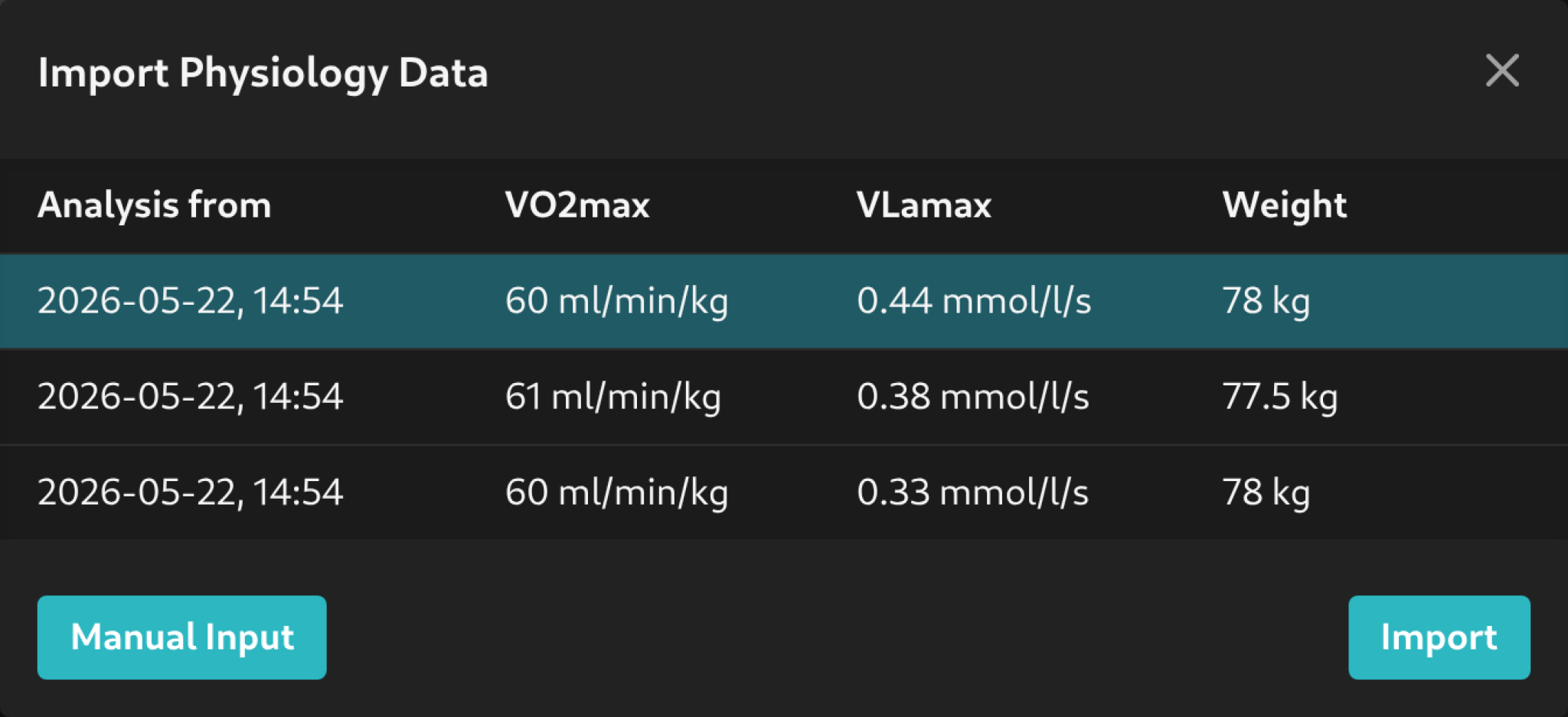
- Select the desired analysis from your past performance tests.
- Confirm the import – values are automatically applied to the current scenario.
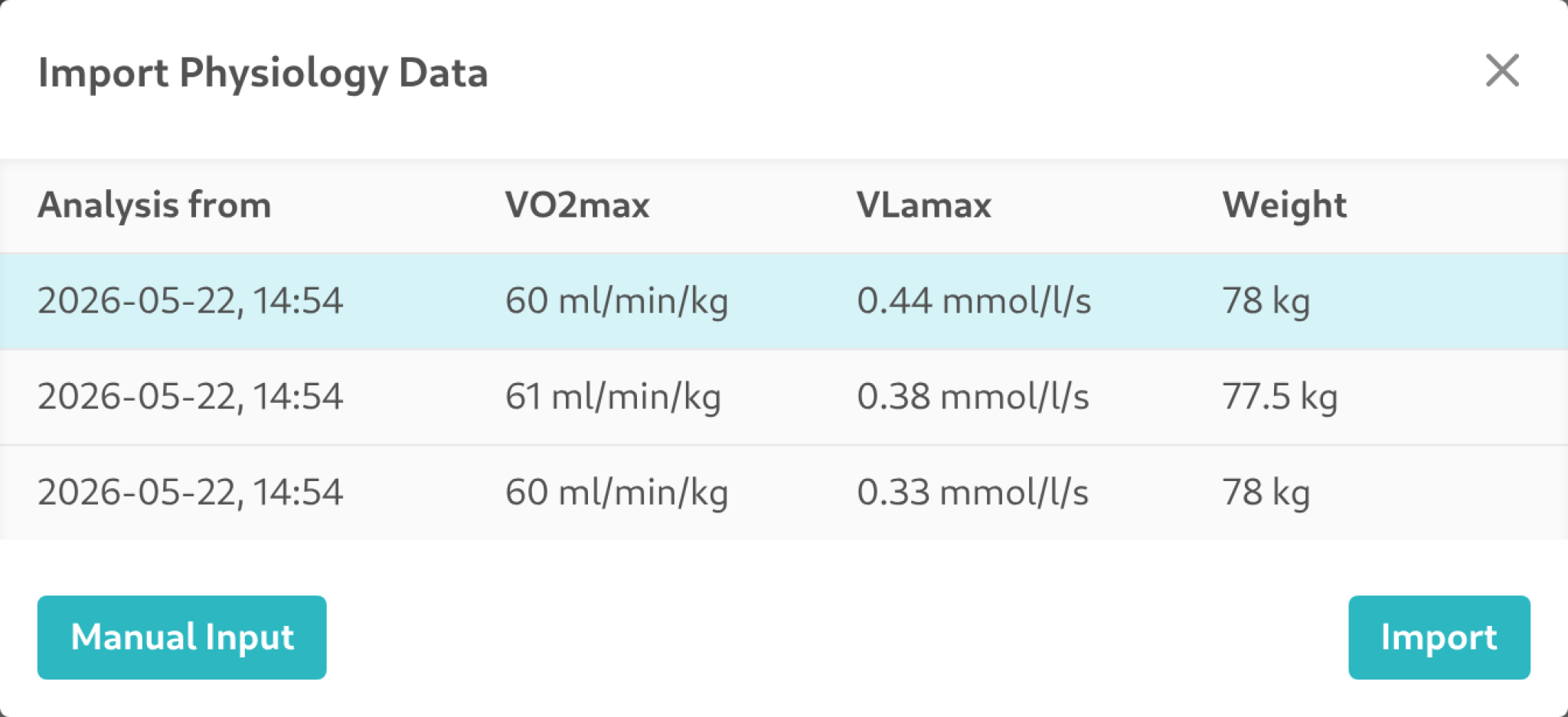
Imported values are immediately visible in the sidebar under the "Physiology" tab and feed directly into all calculations.
Which analysis model is in play is shown in the Physiology tab under the advanced options, labelled Analysis model. In comparison mode this makes it easy to check whether both scenarios rest on the same model — if they do not, the results differ not only because of the physiology but also because of the evaluation behind it.
Without a link to an analysis — that is, with manually entered physiology — this indicator is absent: the simulator then computes with its default, the energy model of the current analysis model Galibier (v4.2). The indicator therefore appears only when an analysis is linked, and matters mostly for an older analysis whose values were still evaluated with the Ventoux (v3.1) model.
The Added Value of Imported Physiology Data
Importing your analysis data has far-reaching effects on the accuracy and usefulness of the simulation. Here are the key benefits:
Personalized Carbohydrate Demand
VO2max and VLamax together determine how much energy your body derives from fat vs. carbohydrates at a given intensity. An athlete with high VO2max and low VLamax burns proportionally more fat and requires fewer carbohydrates – the so-called "diesel" type (see Metabolic Profile). Without imported data, the simulator can only estimate generic demand values. With imported data, the glycogen depletion curve becomes individual and realistic.
Realistic Pacing Limits
Anaerobic capacity (W′) defines how much work you can perform above your threshold before exhaustion. If you exceed the available energy, the risk of hitting the wall increases drastically. W′ is not auto-populated from the analysis import; you set it yourself in the "Physiology" sidebar tab — ideally from a critical-power test or your own experience with above-threshold intervals.
Accurate Energy Expenditure
Your actual energy expenditure in kilocalories and kilojoules depends on your individual physiology. With imported VO2max, VLamax, and weight, the simulator computes the energy demand along the course more accurately, enabling more precise planning of total energy intake. The modelled carbohydrate demand can additionally be fine-tuned with the Carbohydrate Multiplier described on the Nutrition and Hydration Planning page.
From Estimation to Certainty
In summary: without an imported analysis, the simulator works with average values – the result is a rough approximation. With an imported analysis, calculations are calibrated to your individual metabolism. Nutrition planning benefits in particular, as your individual carbohydrate demand feeds directly into the course-side plan.
Comparing Different Analyses
In comparison mode, you can assign different analyses to Scenario A and B. This lets you see directly how changes in your fitness affect race planning:
- Season progression: Import an analysis from the beginning of the season (Scenario A) and one from just before the race (Scenario B) to see how your training has affected race time and nutritional needs.
- What-if scenarios: Simulate how an improvement in your VO2max or VLamax would impact the race outcome.
Next Steps
If you haven't completed a performance test yet, visit New Analysis to learn how to get started. For full use of the simulator's nutrition planning capabilities, read Nutrition and Hydration Planning.